
TECH TOOLBELT
JUNE 2026

Travel tech tips: Stay Safe on the Road & online
Our June Theme: Vacation Season
Summer is travel season—whether you’re heading out of town for vacation or just spending more time on the go. But while you’re relaxing, scammers and thieves aren’t taking time off. Phones, laptops, and tablets carry a lot of personal and work-related information, and traveling creates more opportunities for that data to be exposed. A little preparation and awareness can keep your devices—and your information—secure wherever you go.
Protect Your Devices While Traveling
Your devices are valuable—treat them that way:

- Keep devices with you: Don’t leave phones or laptops unattended in vehicles, airports, or public places.Look for misspellings or incorrect domains (example: @company.co instead of @company.com).
- Protect against heat and water: Avoid leaving devices in hot vehicles or direct sunlight, and keep them away from pools, rain, and spills—extreme conditions can permanently damage hardware
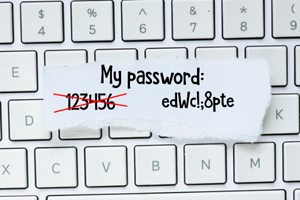
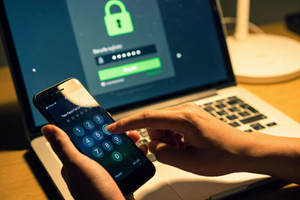
- Use strong passcodes or biometric locks: A locked device is your first line of defense.
- Enable device tracking: Features like “Find My Device” can help locate or remotely wipe a lost device.
- Back up data before you travel: If something is lost, stolen, or damaged, you won’t lose everything with it.
Be smart with public wi-fi
Free Wi-Fi is convenient—but it comes with risks:

- Avoid accessing sensitive accounts: Skip banking, email, or work systems on public networks.
- Use secure connections only: Stick to trusted networks or your mobile hotspot when possible.
- Turn off auto-connect settings: Don’t let your device connect to unknown networks automatically.
- Use a VPN if available: Adds a layer of protection when you must use public Wi-Fi.
Use Secure Payments on the Go
Protect your money and financial information while traveling:
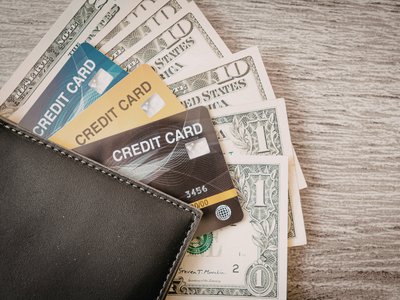
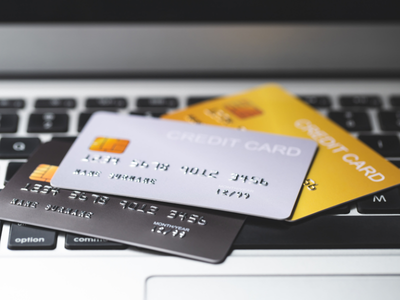
- Use cash when possible: It limits exposure to your bank account and avoids card skimming risks.
- Use credit cards or secure payment apps: They offer better fraud protection than debit cards.
- Avoid entering payment info on public Wi-Fi: Wait until you’re on a secure connection.
- Monitor transactions regularly: Check accounts for any unfamiliar charges.
- Be cautious at ATMs and payment terminals: Watch for tampering or anything unusual.
Quick Builder’s Summer Travel Tech Checklist
- Lock and track all devices before leaving
- Keep devices protected from heat and water
- Avoid sensitive activity on public Wi-Fi
- Use secure payment methods and monitor accounts
- Back up important data before traveling
Bottom line: Just like on the jobsite, awareness and preparation make all the difference. Don’t get careless just because you’re on vacation. Protect your devices from theft, damage, and exposure, stay alert on public networks, and keep your financial information secure so you can enjoy your time away without problems waiting when you get back.
DATE POSTED
POSTED BY